Proudly made in Ukraine
Finally

A beautiful, handy screenshot tool for Windows

A fast, gorgeous screenshot tool for Windows 11. Capture, annotate and share in seconds — with a glassy, modern editor built for delight.

For free Windows 11 · x64 Open beta
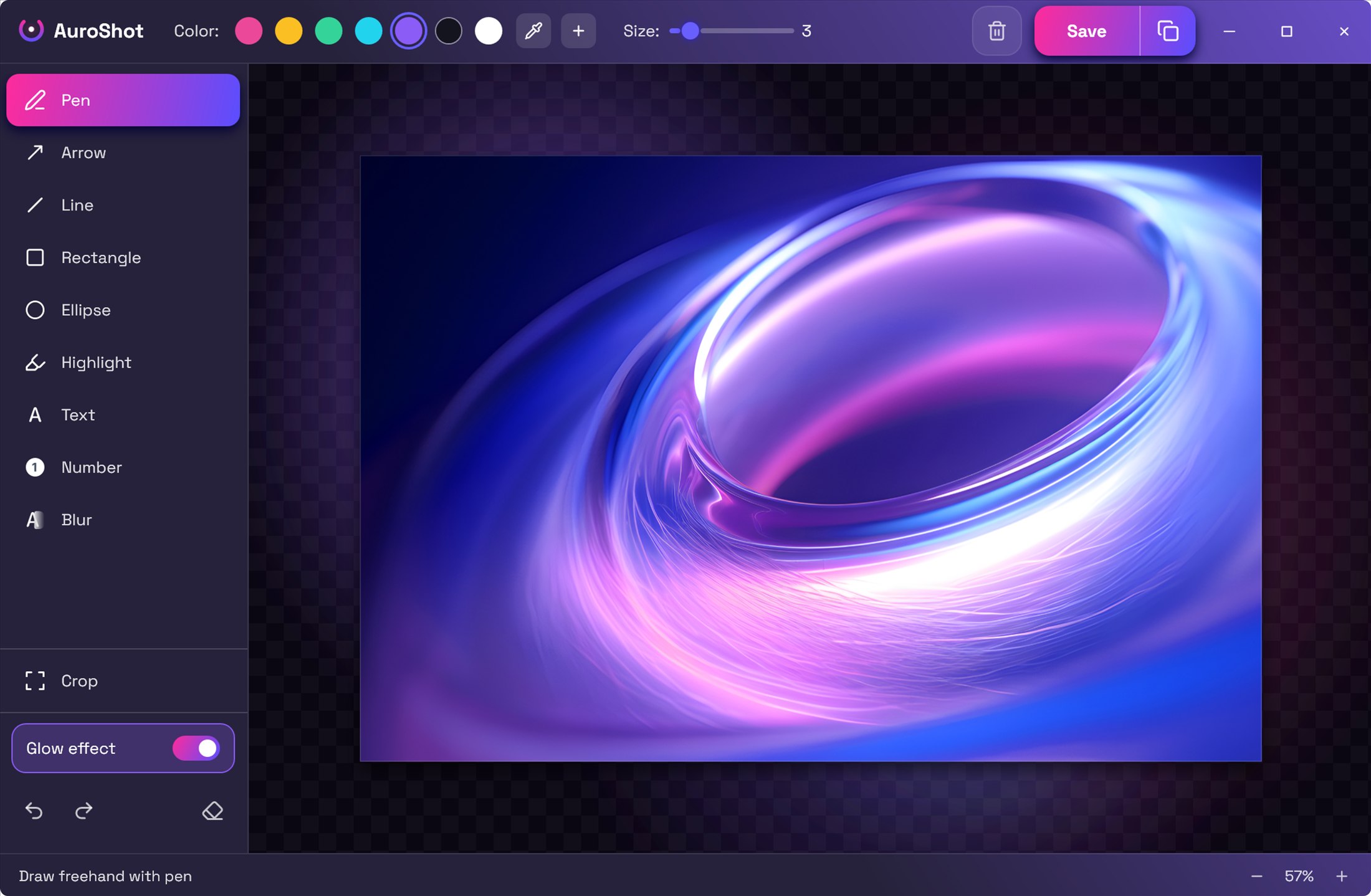
AuroShot editor — real screenshot
1
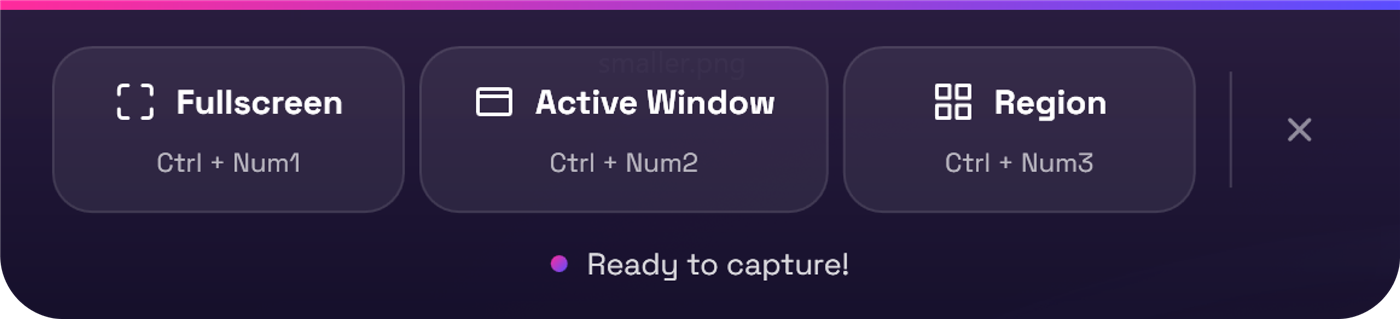
AuroShot capture bar — real screenshot
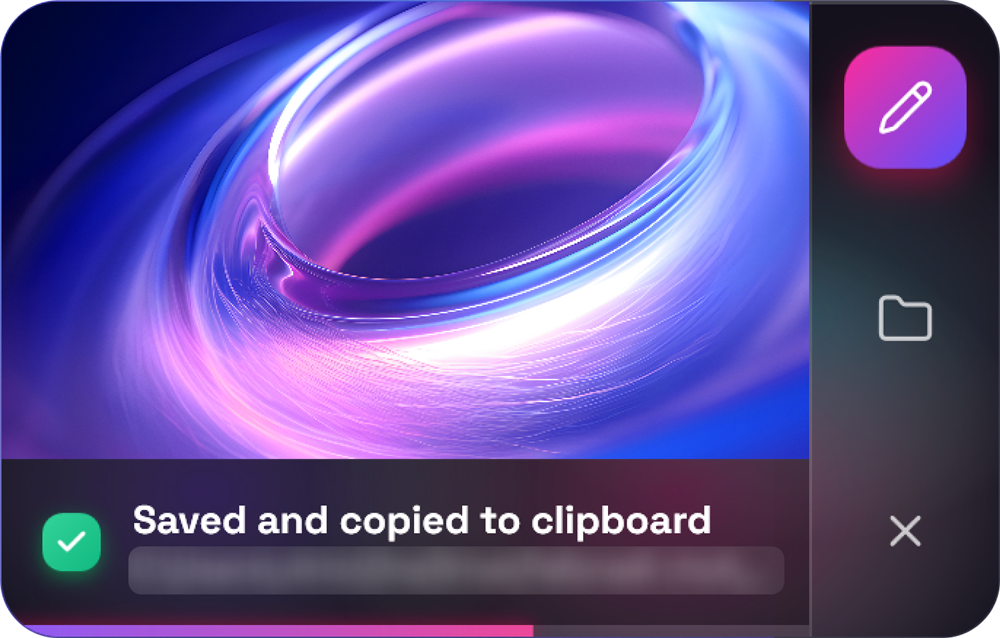
AuroShot toast — real screenshot

From the author

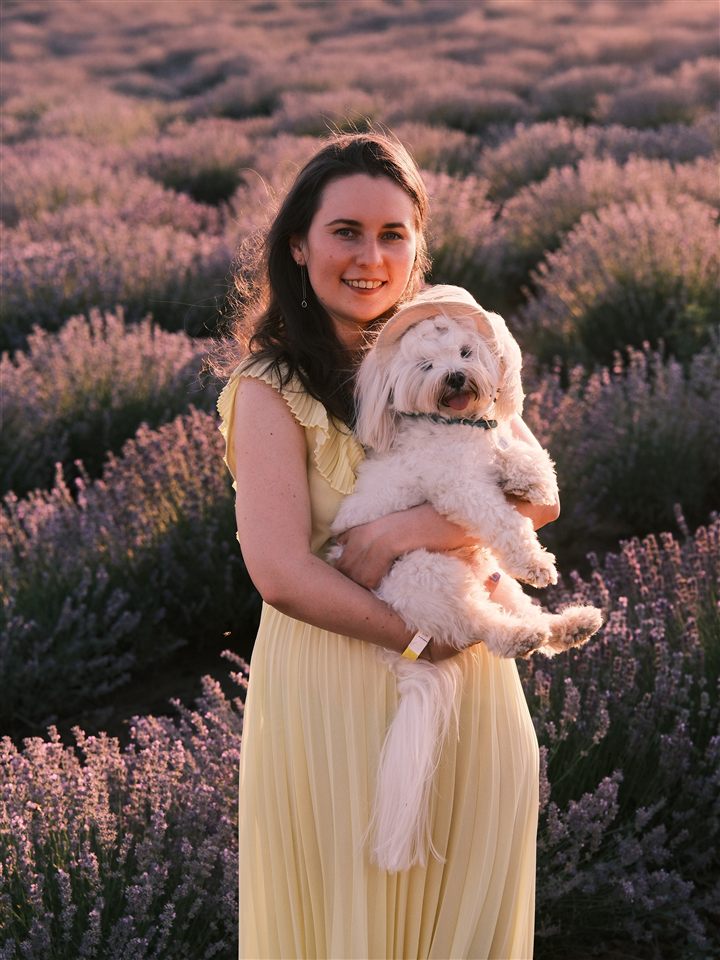
Viktoriia — product designer, author of AuroShot

Hi, I'm Viktoriia 👋

I'm a product designer from Ukraine. For years I searched for a Windows screenshot tool that would be a genuine pleasure to use: functional, yet beautiful and comfortable. One that wouldn't interrupt games and would help at work.

So I built it myself. AuroShot is all of my daily pains, habits and little wishes gathered into one tool. I hope you'll love it just as much.

Email me

Everything you need

Ten tools. Zero friction.

From a quick crop to a fully annotated walkthrough — AuroShot keeps the editor out of your way.

Three capture modes

Fullscreen, active window, or draw a region — each on its own hotkey.

10+ annotation tools

Arrows, shapes, text, numbers, highlight, blur and freehand drawing.

Doesn't interrupt games

The floating bar never steals focus — capture mid-game without a stutter or alt-tab.

Clipboard + folder at once

Every shot is instantly copied to the clipboard AND saved to your folder. No extra clicks.

Ukrainian & English

Full localization built in, switchable any time from settings.

And it's just beautiful 💜

Glass, glow and zero boring grey. What's next? You'll see soon 👀

Muscle memory

Capture without lifting a finger

Sensible defaults out of the box — remap any of them in settings.

Alt1
Fullscreen
Alt2
Active window
Alt3
Region select
Home
Screenshot bar

Ready to capture?

Download AuroShot and make your next screenshot a beautiful one.

Download for Windows 11
Windows 11 (x64) .NET 10 included Open beta — free